
Compare results#
Compare completed SPE11B result folders with the standalone comparison workflow.
Command#
Run the command from the directory containing the result folders:
pyopmspe11 -c spe11b
How it works#
pyopmspe11 -cSearches the current folders for results from
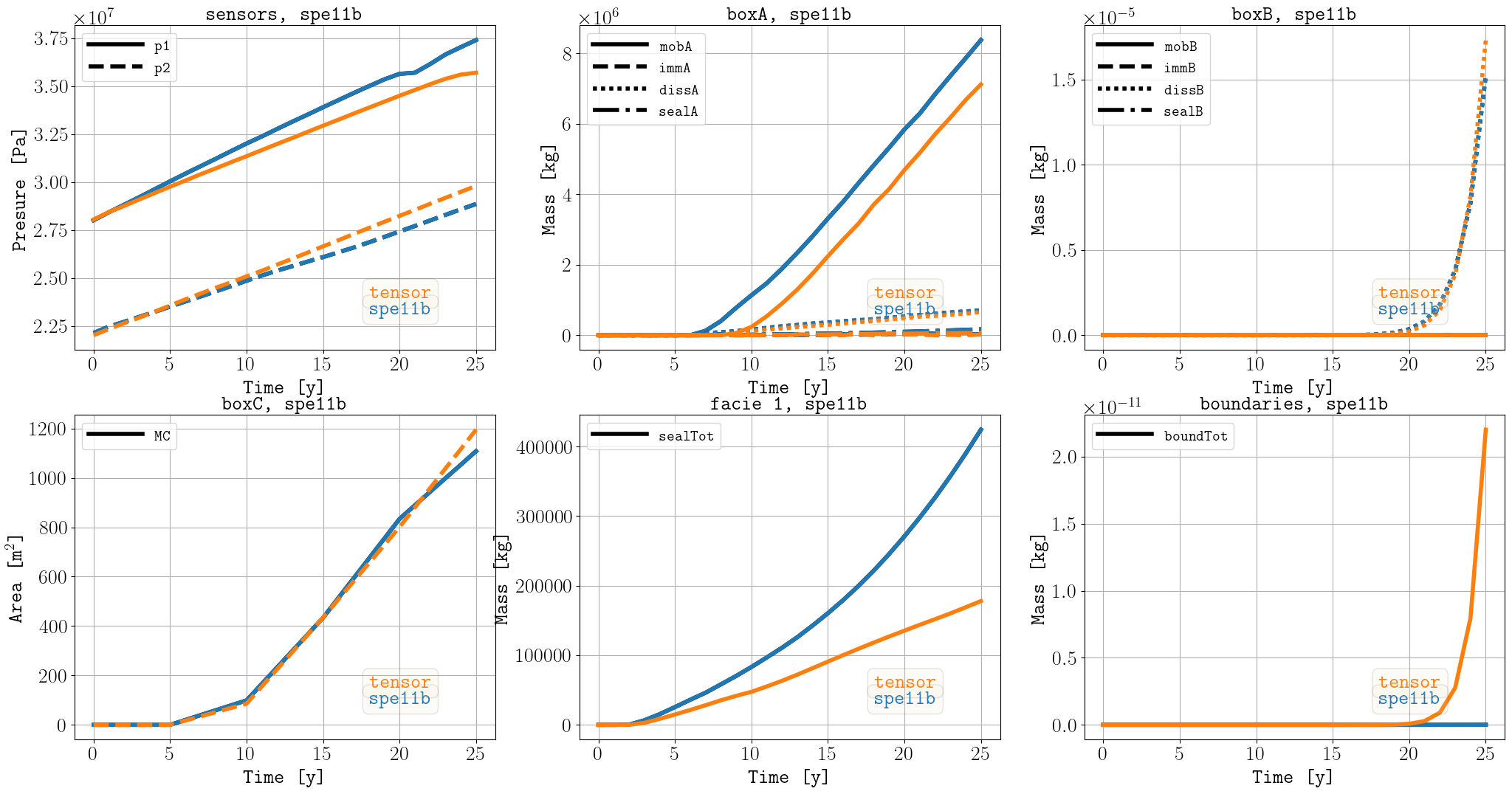
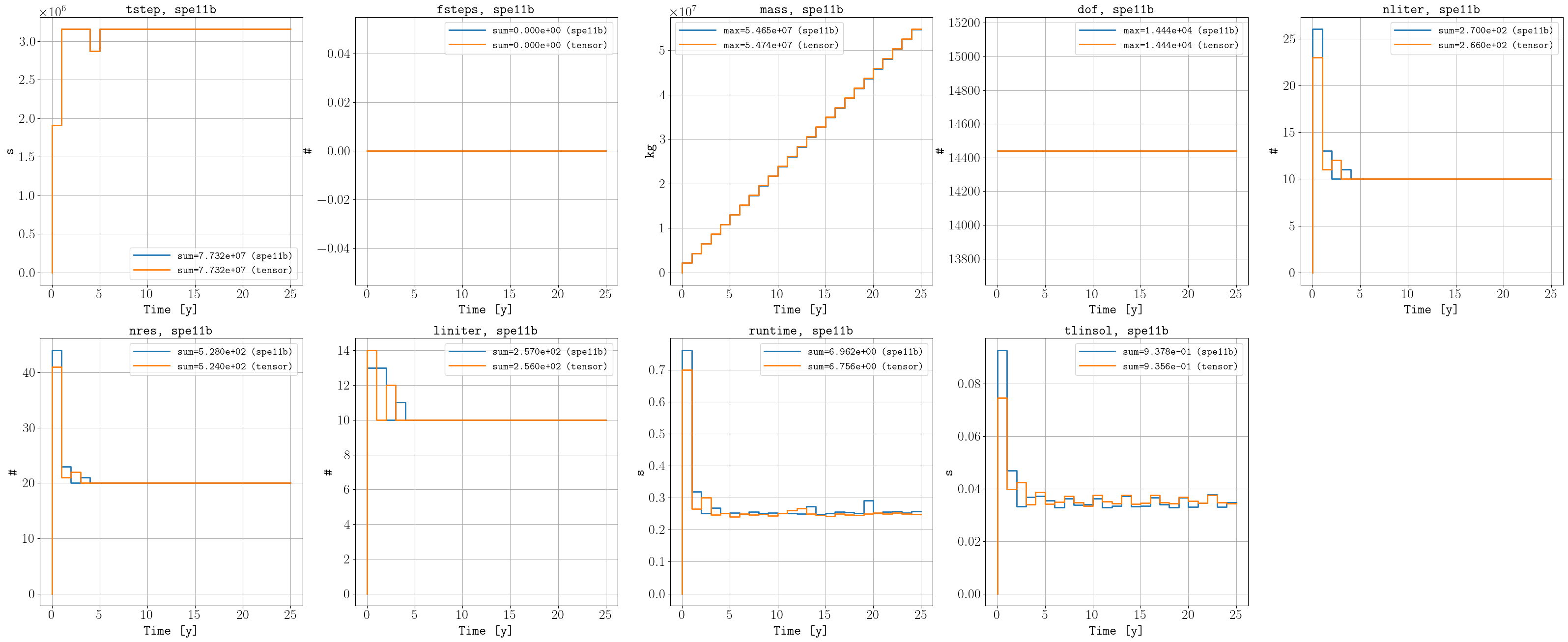
spe11a,spe11b, orspe11cand writes common comparison figures.
Comparison mode is standalone. It cannot be combined with non-default values for the normal input, output, mode, reporting, subfolder, or neighbourhood options.
Result#
Comparison figures are written under:
compare/
Next steps#
Browse Examples for corner-point-grid and localized-domain workflows.
Use Benchmark to reproduce the SPE11 benchmark cases.
See Convergence for grid-refinement and participant comparisons.
Use Configuration reference to look up TOML variables.
See Output folder for the generated file structure.