
Introduction#
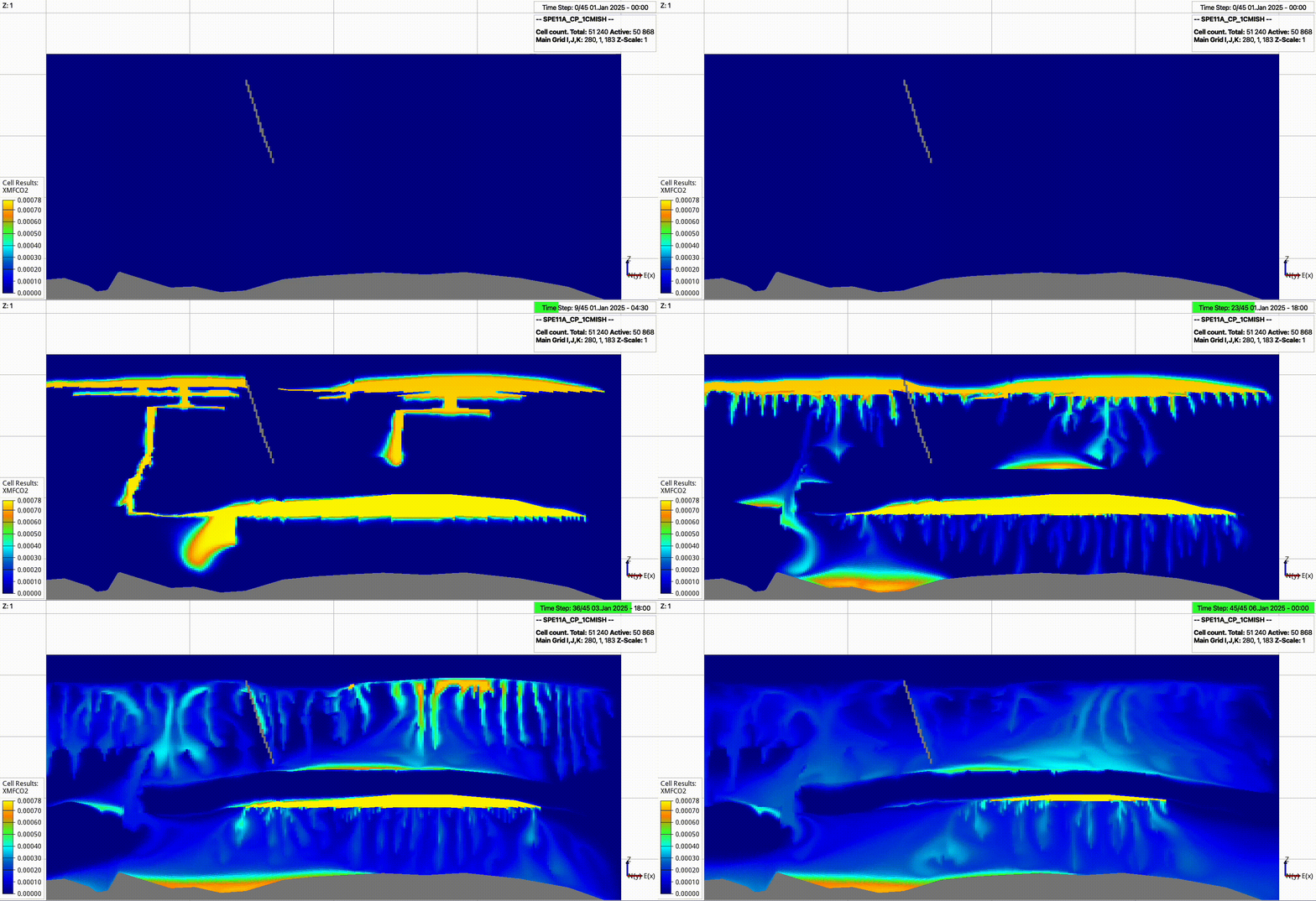
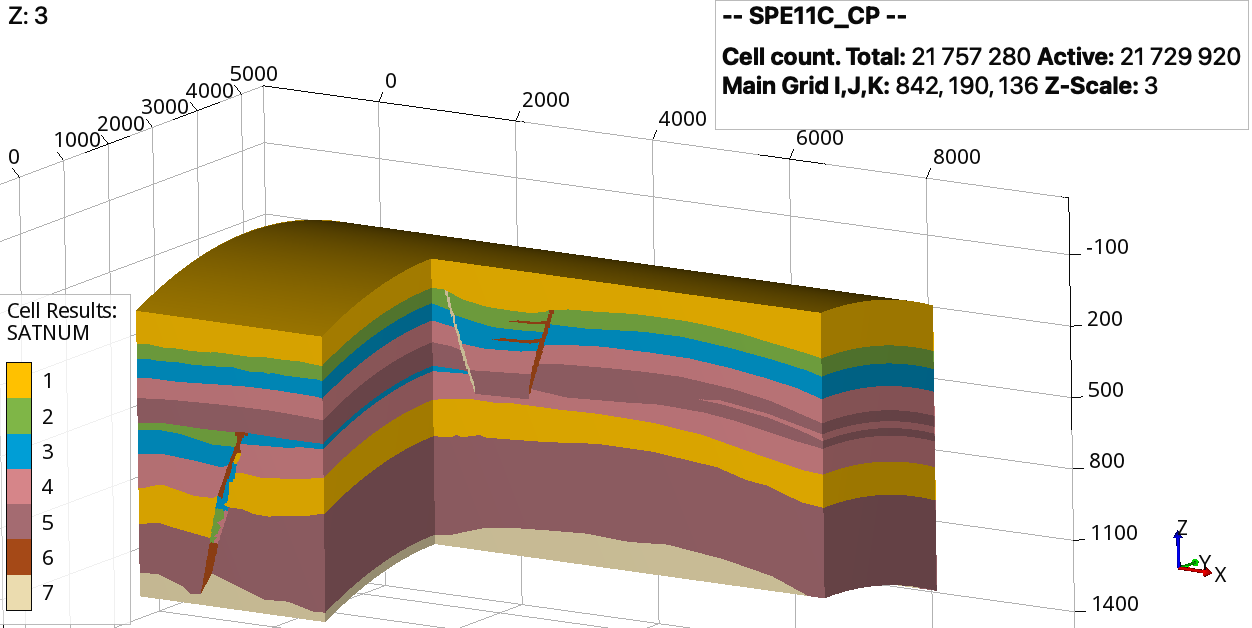
pyopmspe11 is a flexible tool for the three cases in the SPE Comparative Solution Project. It uses a configuration file to generate OPM Flow input, run simulations, write benchmark data, and create figures.
Core workflows#
Generate Cartesian, tensor, or corner-point grids.
Set rock, fluid, well, source, and injection-schedule properties.
Generate decks without running OPM Flow.
Run complete SPE11 simulations with OPM Flow.
Write dense, sparse, performance, and spatial-performance data in benchmark format.
Create standard benchmark figures and compare simulation runs.
Basic usage#
Generate an SPE11B deck and run OPM Flow:
pyopmspe11 -i examples/spe11b.toml -o spe11b
Use Command-line reference for exact option syntax and Examples for complete workflows.
About the project#
pyopmspe11 is funded by the HPC Simulation Software for the Gigatonne Storage Challenge project (project number 622059) and the Center for Sustainable Subsurface Resources (project number 331841).
See the SPE11 benchmark paper and the pyopmspe11 JOSS paper.
Citation#
Landa-Marbán, D. and Sandve, T. H. (2025). pyopmspe11: A Python framework using OPM Flow for the SPE11 benchmark project. Journal of Open Source Software, 10(105), 7357. https://doi.org/10.21105/joss.07357.
Where to continue#
Complete the Installation and verify the Python package and OPM Flow setup.
Use the Configuration reference reference to understand and modify TOML variables.
Follow the Tutorial to progress from deck generation to benchmark data, plots, and result comparisons.
Browse Examples for corner-point grids, localized domains, and other reproducible workflows.
Explore Benchmark to reproduce the OPM team results for SPE11A, SPE11B, and SPE11C.
See Convergence for the SPE11B full-domain and lower-domain grid refinement studies.
Review Output folder to understand the generated files and folder structure.
Use Command-line reference for exact CLI syntax, defaults, accepted values, and option compatibility.
Browse Python API for the public Python modules, classes, and functions.
See Contributing to report issues, request features, or contribute to pyopmspe11.
Explore Related projects for complementary open-source tools.