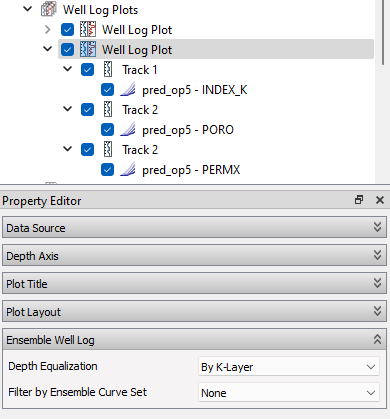
Ensemble Well Log

Introduction

To study the uncertainty for well log extraction curves, ResInsight can extract well logs along a well path for every realization in a grid ensemble, and compute the statistical distribution in this ensemble.

Workflow

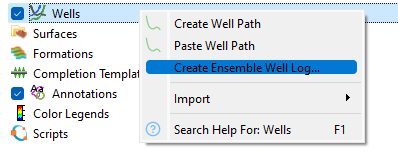
  • Right-click Wells or a well path in the Project Tree, and select Create Ensemble Well Log…

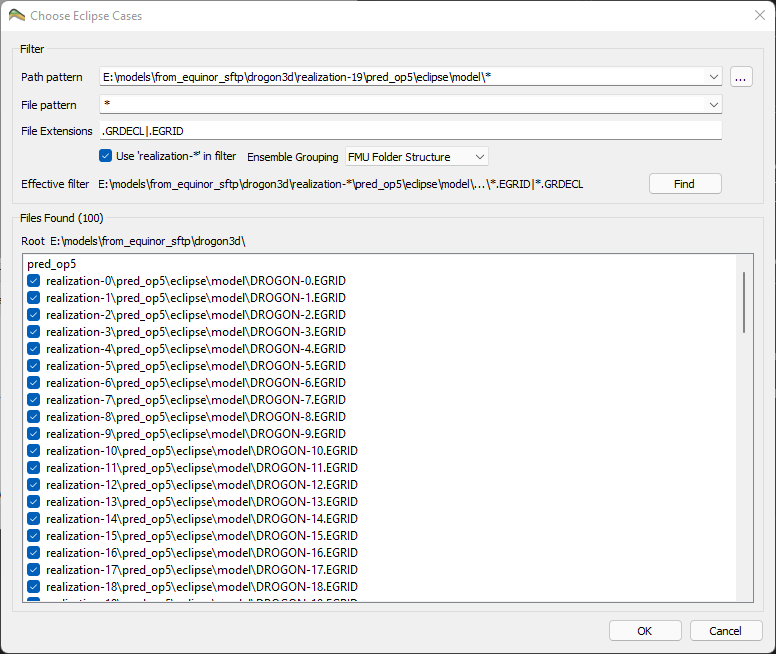
  • In the Choose Eclipse Cases dialog, search for the grid files (*.EGRID or *.GRDECL) of the ensemble. See Ensemble File Dialog

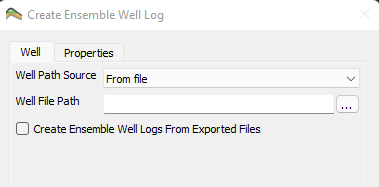
  • The first grid is loaded to populate the list of properties. The Create Ensemble Well Log dialog has two tabs:

    • Well: Select Well Path Source, either From Project Wells or From file. If the dialog was opened from a well path, this well is preselected. Use Create Ensemble Well Logs From Exported Files to control if a well log ensemble and plot are created from the exported files
    • Properties: Select the properties to extract, and the Time Step for dynamic properties. Include INDEX_K to enable depth equalization

Click OK when you are ready. Each grid is loaded with grid data only, the properties are extracted along the well path, and the grid is closed again. The extracted values are written to a LAS file in a lasexport folder next to each grid file. The LAS files are grouped into ensembles using the FMU folder structure.

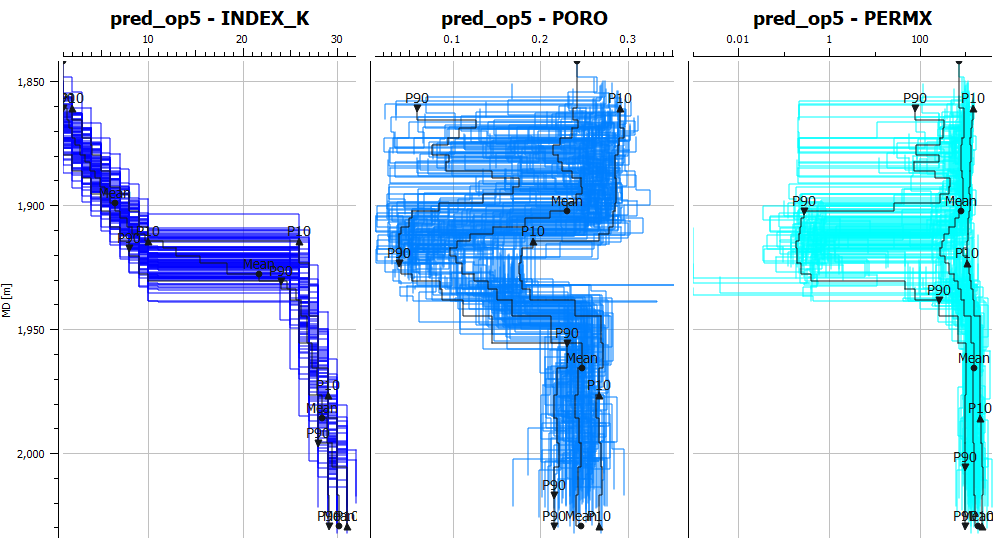
  • A Well Log Plot is created in the Plot Window, with one track per property. Each track contains an Ensemble Curve Set with one curve per realization and statistics curves

Ensemble Curve Set

An Ensemble Curve Set can also be added to an existing track from the right-click menu of the track, New Ensemble Well Log Curve Set.

  • Ensemble Well Logs: The well log ensemble to display
  • Well Log Channel Name: The property to display
  • Filter by Ensemble Curve Set: Show only the realizations included in a summary ensemble curve set, using the filters defined on that curve set
  • Depth Equalization: See below
  • Colors: Single Color, or Color by Ensemble Curve Set to use the colors of the selected summary ensemble curve set, e.g. colored by an ensemble parameter
  • Statistics: Show or hide statistics curves (P10, P50, P90 and Mean) and the individual realization curves. Use Based on Filtered Cases to compute statistics from the filtered realizations only

Depth Equalization

If the geometry is different in the ensembles (structural uncertainty), the same K-layer is found at different depths along the well. Set Depth Equalization to By K-Layer to align the curves on the K-layer tops and bottoms before statistics are computed. This option is only available when INDEX_K is present in the well log files.

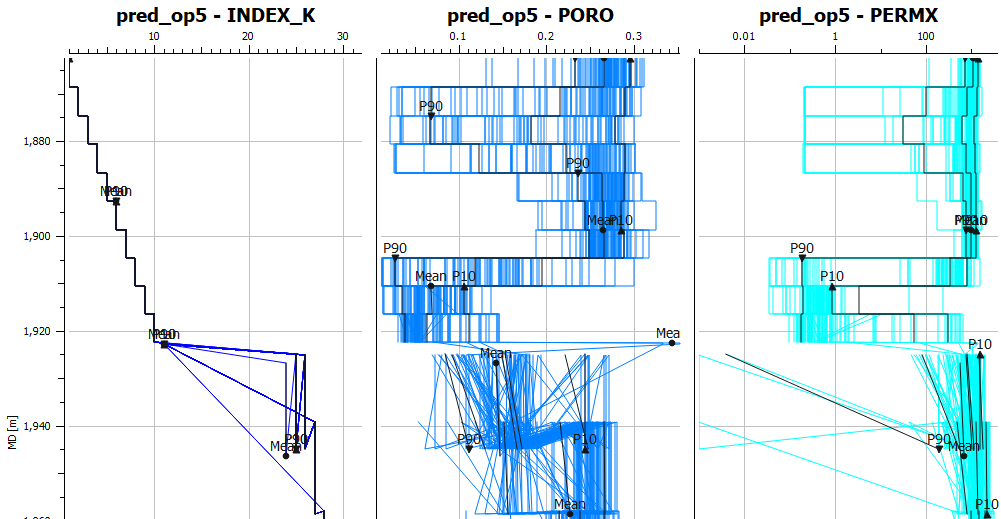
Depth equalization requires the well to cross the K-layers in the same order in all realizations. In the plot above, the part where the crossing of K-layers is consistent, we get an easy to read plot. When the K-layer crossings do not match anymore, it is clearly visible that the plot is not able to display the information correctly.

Well Log Extraction Ensemble File Dialog