OPM Flow Integration
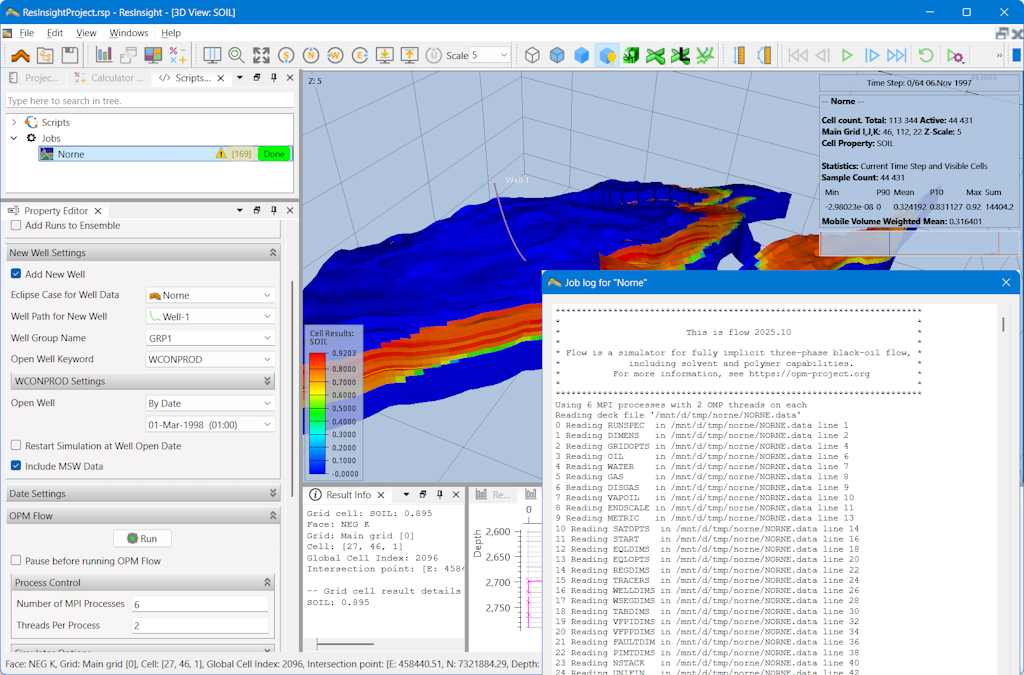
ResInsight has support for close integration with the OPM Flow simulator. This section shows how you can set up and use OPM Flow with ResInsight.
ResInsight handle OPM Flow simulation runs as “Jobs”, allowing you to:
- use input data either from existing grid cases or from data files on disk
- add a new simulation well to an existing simulation
- add more dates to an existing simulation
- control when and how to open the new well
- and more
Both grid results and summary results from a simulation job could be automatically loaded and displayed in ResInsight after a run.
A sector model can be exported from an existing grid and directly connected to a new OPM Flow simulation job. See Sector Model Export for details.
OPM Flow simulations could be run locally on the same computer as ResInsight (optionally using WSL on Windows), or ResInsight can submit simulation jobs to a batch scheduler such as IBM Spectrum LSF or Slurm.
ResInsight also supports creating and running OPM Flow jobs for selected ensemble realizations. (BETA functionality).